Super JD Account Verification: What Documents You Need and How Long It Takes
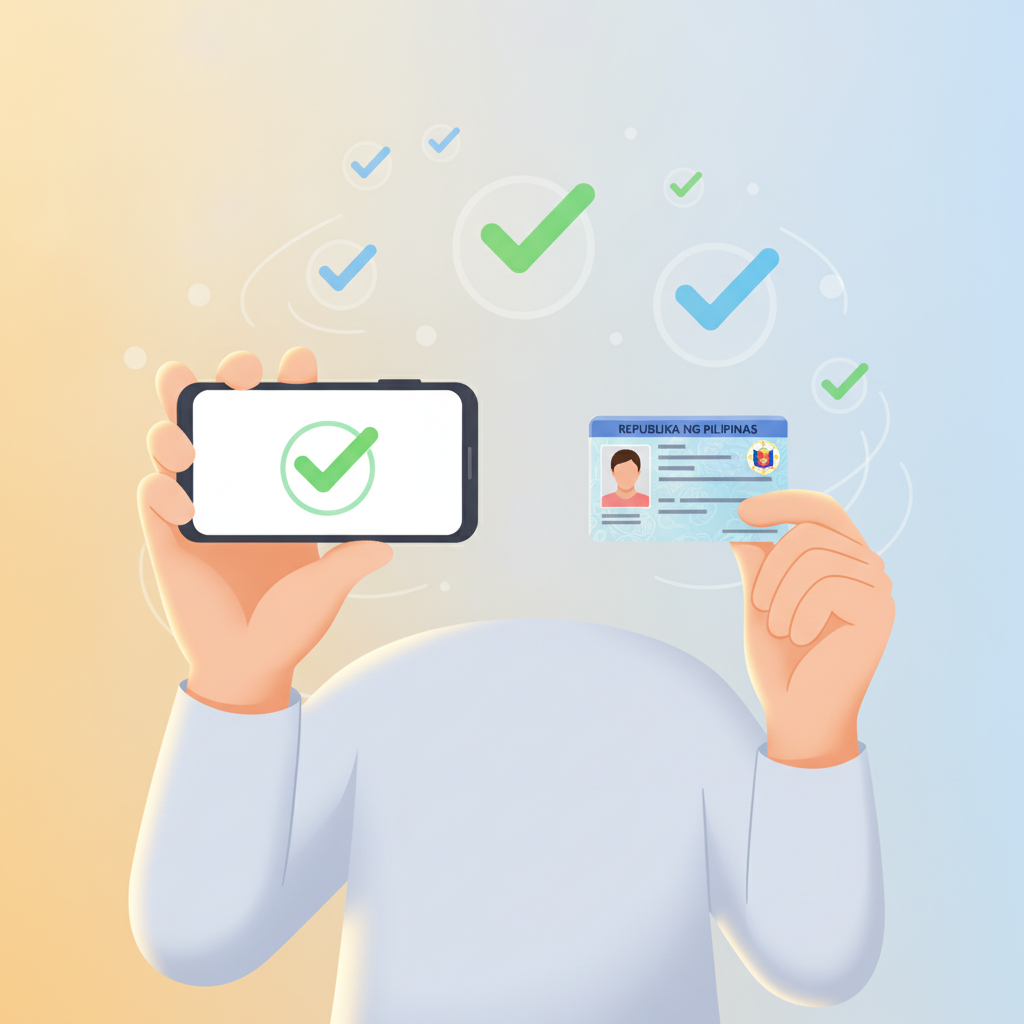
Why Super JD Requires ID Verification
After you complete Super JD register, the platform will ask you to verify your account before you can make your first withdrawal. Some players can also be asked to verify before placing bets or making deposits, depending on account activity.
Super JD requires verification for two main reasons:
Age confirmation. Philippine regulations and responsible-gaming standards require online casinos and sportsbooks to confirm every player is at least 21 years old. Super JD checks government-issued IDs to meet this requirement.
Account security. Verification links your account to your real identity. This protects your deposits and winnings from unauthorized access, ensures that withdrawals go to the correct GCash, Maya, or bank account, and prevents duplicate or fraudulent accounts.
Think of verification as locking your account to your name—once verified, only you can withdraw funds. Most Filipino players complete this step within a few minutes using their phone camera.
Accepted Documents for Super JD Verification
Super JD accepts government-issued IDs that display your full name, date of birth, photo, and ID number. The platform typically asks for one primary ID and a selfie.
Valid Primary IDs
Any of the following documents will work, provided they are current and not expired:
- Philippine passport – The bio page with your photo and details
- Driver's license – Front side (back side may also be requested)
- UMID (Unified Multi-Purpose ID) – Front side
- PhilHealth ID – The card with your photo
- SSS ID – Government-issued version with photo
- Postal ID – Must be valid and show your complete address
- Voter's ID (Comelec) – Card version with photo
- PRC ID (Professional Regulation Commission) – For licensed professionals
- National ID (PhilSys) – Front side with photo and birthdate
Important: The name on your ID must match the name you entered during Super JD register. If there is a mismatch (nickname instead of legal name, misspelling, or different surname), your verification may be delayed or rejected.
Selfie Requirement
Most verifications also require a selfie taken on the same day. Super JD may ask you to:
- Hold your ID next to your face so both are clearly visible
- Write the current date and "Super JD" on a piece of paper and include it in the selfie
- Take the photo in good lighting, without sunglasses or face coverings
This selfie confirms that the person submitting the ID is the same person who owns the account.
How to Upload Documents on Mobile Browser
Because most Filipino players access Super JD on Android phones, the platform's verification process is designed for mobile browsers. Follow these steps:
Step 1: Super JD Login
Open your mobile browser (Chrome, Firefox, or Safari) and go to the Super JD website. Tap Login and enter your username and password.
Step 2: Go to Account or Profile Settings
After logging in, look for a menu icon (three horizontal lines) in the top corner. Tap it, then select Account, Profile, or Verification—the exact label varies, but it is usually under settings or your account dashboard.
Step 3: Find the Verification or KYC Section
Look for a section labeled KYC, Verify Account, Document Upload, or ID Verification. Tap to open it.
Step 4: Choose Document Type
You will see a dropdown or button list asking what type of ID you want to upload. Select the ID type you are using (for example, "Driver's License" or "National ID").
Step 5: Take or Upload Photos
Tap Choose File or Upload. Your phone will ask whether you want to:
- Take Photo – Opens your camera to snap a picture of your ID right now
- Choose from Gallery – Lets you pick a photo you already saved
For best results, take a new photo in bright, natural light. Lay your ID flat on a dark surface and hold your phone directly above it. Make sure all four corners of the ID are visible and text is sharp and readable.
If a selfie is required, repeat this process for the selfie upload field. Hold your ID next to your face, look at the camera, and ensure both your face and the ID details are clear.
Step 6: Submit
Once all required files are uploaded, tap Submit or Send for Verification. You should see a confirmation message that your documents have been received.
Tip: Do not close the page until you see confirmation. Take a screenshot of the confirmation message for your records.
Typical Verification Timeline and What Happens Next
Super JD reviews documents manually, so processing times vary depending on the volume of requests and time of day.
Standard Processing Time
- Typical wait: 24 to 48 hours on weekdays
- Weekends and holidays: Up to 72 hours
- Peak periods (major sporting events, big jackpot promotions): Slightly longer
You can continue to Super JD login and browse games while verification is in progress, but certain actions—especially withdrawals—will be locked until verification is approved.
Approval Notification
When your verification is approved, Super JD will notify you by:
- Email to the address you registered with
- SMS to your mobile number (if you provided one during Super JD register)
- A notification or badge inside your account dashboard
Once approved, you can make deposits via GCash, Maya, InstaPay, or PESONet, play slots and jackpot games, join live dealer tables, bet on PBA, NBA, and volleyball, and request withdrawals.
If Additional Documents Are Needed
Sometimes Super JD will ask for more information, especially if:
- Your ID photo is blurry or cropped
- The name on your ID does not match your account name
- Your ID has expired
- You uploaded the wrong document type
In these cases, you will receive an email or account message explaining what is needed. Simply log in, go back to the verification section, and upload the corrected or additional file. The review clock restarts from that point.
What If Verification Is Rejected?
Rejections are rare but happen when documents clearly do not meet requirements—expired IDs, screenshots of IDs instead of photos, or names that do not match. If rejected, Super JD support will explain why and give you the chance to resubmit with the correct documents.
To avoid rejection:
- Use the original physical ID, not a photocopy or screenshot
- Ensure the entire ID is visible, with no fingers covering text
- Check that your ID has not expired
- Match the spelling of your name exactly as it appears on your ID when you Super JD register
Responsible Gambling Reminder: Verify Early to Play Sooner
Super JD is open only to players aged 21 and over. Account verification is not just a regulatory step—it is part of responsible gambling.
By confirming your age and identity early, you:
- Avoid delays when you want to withdraw winnings
- Secure your account against unauthorized access
- Help Super JD maintain a safe, legal gaming environment
Before you start playing, set deposit and time limits that fit your budget. Super JD offers slots, live dealer games, sports betting on PBA, NBA, and volleyball, and bingo—all meant for entertainment. Typical deposits range from PHP 100 to PHP 500 for most Filipino players, and you should only bet what you can afford to lose.
If you ever feel that gambling is becoming a problem, reach out to a trusted friend, family member, or a local support organization. Verification unlocks your account, but staying in control of your play is always your responsibility.
Super JD Guide PH is an independent guide for Filipino players. This site is not operated by Super JD. All players must be 21 years of age or older. Gamble responsibly.