Super JD Login: How to Access Your Account on Mobile and Desktop
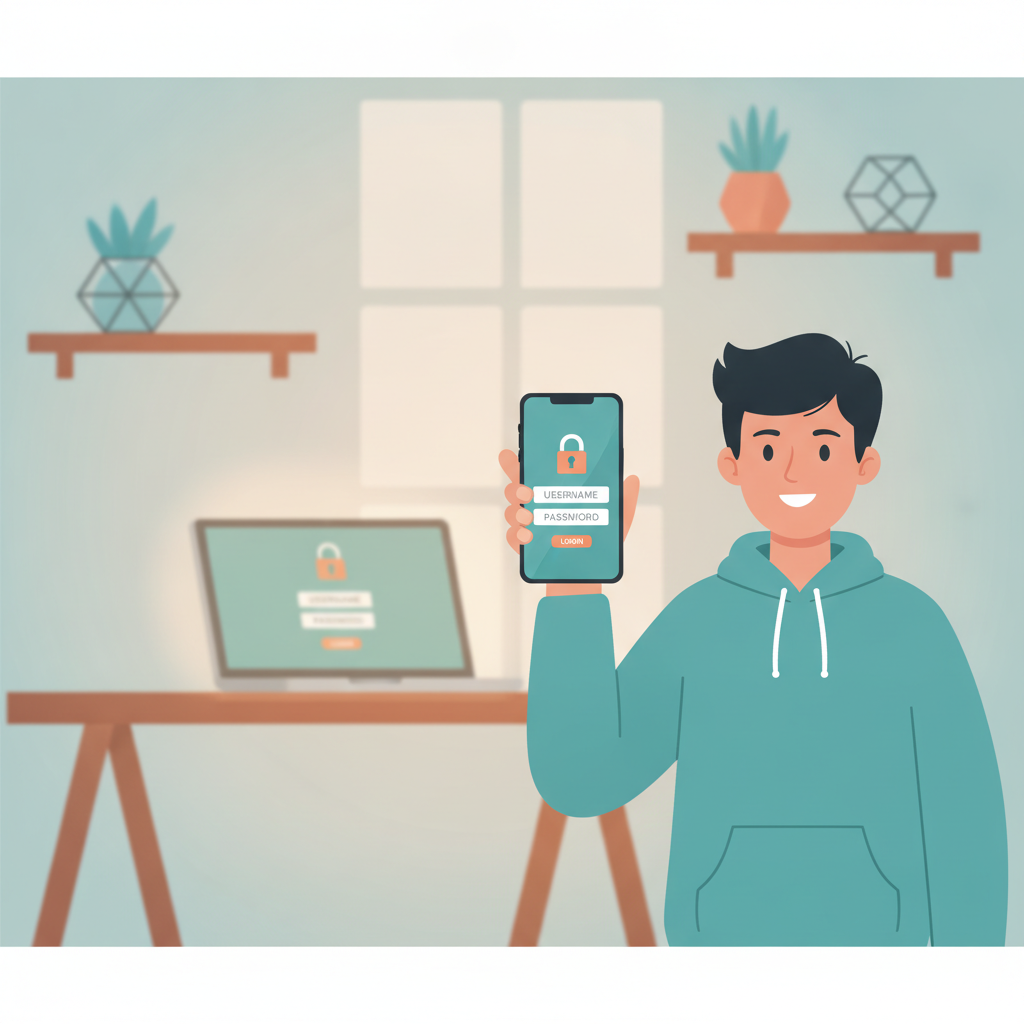
Where to Find the Super JD Login Page
Super JD offers login access through both mobile browsers and desktop computers. Most Filipino players use their Android phones to access the platform, so the site is designed to work smoothly on smaller screens.
On mobile browser (Android or iPhone):
Open your phone's browser—Chrome, Firefox, or Safari—and type the Super JD web address into the URL bar. The homepage loads with the main navigation at the top. Look for the "Login" button, usually displayed in the upper-right corner of the screen. On some mobile layouts, you may need to tap a menu icon (three horizontal lines) to reveal the login option.
The login button stands out with a distinct color or border to make it easy to spot. Tap it once to open the login form.
On desktop or laptop:
Visit the Super JD website using any desktop browser. The login button appears prominently in the top-right corner of the homepage. Click it to open a login window or be redirected to a dedicated login page.
Whether you're on mobile or desktop, the login form asks for the same two pieces of information: your username (or registered mobile number) and your password.
Entering Your Username and Password Correctly
Once the login form appears on your screen, you'll see two text fields.
Username field:
Type the exact username you chose during registration. Some players use their mobile number as their username, depending on how Super JD sets up new accounts. Double-check for typos—usernames are case-sensitive on some platforms, though most online casinos treat them as case-insensitive. If you registered using your phone number, enter it in the format you used when signing up (for example, 09171234567 or +639171234567).
Password field:
Enter your password exactly as you created it. Passwords are always case-sensitive, so "Password123" is different from "password123." If you're typing on a mobile keyboard, watch out for autocorrect changing your password or adding unwanted spaces.
Many mobile browsers offer to save your login details. While convenient, only use this feature on a phone that you alone control and that is protected by a lock screen PIN or biometric security.
Tips for smooth login:
- Make sure you have a stable internet connection. Weak signal or switching between Wi-Fi and mobile data can interrupt the login process.
- Clear your browser cache if the login page loads incorrectly or looks outdated.
- Disable VPN services temporarily if you encounter login errors; some casino platforms restrict VPN access.
- Check that your keyboard language is set correctly to avoid typing unexpected characters.
After entering both fields, tap or click the "Login" or "Sign In" button. If your credentials are correct, Super JD loads your account dashboard, showing your current balance in pesos and shortcuts to slots, live dealer tables, sports betting, and bingo.
What to Do If You Forget Your Login Details
Forgetting a username or password is common, especially if you haven't logged in for a while or you manage multiple online accounts.
If you forget your password:
On the Super JD login page, look for a "Forgot Password?" or "Reset Password" link, usually placed below the password field. Tap or click it.
You'll be asked to provide the mobile number or email address you used during registration. Super JD sends a password-reset link or a one-time PIN (OTP) to that contact method. Check your SMS inbox or email (including spam or junk folders) within a few minutes.
Follow the instructions in the message. You may be asked to enter the OTP on the Super JD website, then create a new password. Choose a strong password that mixes uppercase and lowercase letters, numbers, and a symbol if allowed. Avoid using the same password you use for GCash, Maya, or your email.
After resetting, return to the login page and sign in with your username and new password.
If you forget your username:
This is less common but can happen if you registered weeks or months ago. Check any confirmation email or SMS you received when you first signed up—your username is often included there.
If you can't locate it, contact Super JD customer support. Most online casinos in the Philippines offer live chat support accessible from the homepage. Provide your registered mobile number and, if asked, a copy of your valid ID to verify your identity. Support agents can retrieve or reset your username.
Account locked or suspended:
If you enter the wrong password several times in a row, Super JD may temporarily lock your account as a security measure. Wait 15 to 30 minutes, then try again. If the lockout persists, reach out to customer support for assistance.
Staying Logged In Safely on Your Android Phone
Many Filipino players prefer to stay logged in on their phones for quicker access to slots, sports betting, and live dealer games. While convenient, this approach requires caution to protect your account and funds.
Browser "Remember Me" option:
Some login forms include a checkbox labeled "Remember Me" or "Keep me logged in." Ticking this box stores a session cookie on your device, so you won't need to re-enter your password each time you open the Super JD site. Only enable this if your phone is secured with a strong PIN, pattern, or fingerprint lock.
Session timeouts:
For security, Super JD automatically logs you out after a period of inactivity—typically 15 to 60 minutes. If you return to a logged-out screen, simply log in again using your credentials.
Best practices for staying logged in safely:
- Lock your phone: Use a six-digit PIN or biometric lock. Never leave your phone unattended in public places like coffee shops or jeepneys.
- Don't share your device: If you lend your phone to a friend or family member, log out of Super JD first.
- Use a secure Wi-Fi network: Avoid logging in over public Wi-Fi at malls or airports unless you use a trusted VPN. Mobile data from Smart, Globe, or DITO is generally safer.
- Log out when using shared devices: If you access Super JD on a computer at an internet café or a friend's laptop, always log out when you finish and clear the browser history.
- Enable two-factor authentication (if available): Some platforms let you add an extra login step via SMS or email. Check your account settings to see if Super JD offers this feature.
- Monitor your account regularly: Check your transaction history and balance every few days. If you notice unfamiliar deposits or bets, change your password immediately and contact support.
What to do if you suspect unauthorized access:
If you think someone else has logged in to your account, change your password right away using the "Forgot Password" process. Then notify Super JD customer support. Provide details of any suspicious activity so they can investigate and secure your account.
21+ Reminder and Responsible Play Tips
Super JD is intended for players aged 21 and over. Online gambling should be treated as entertainment, not a way to make money or solve financial problems.
Set limits before you play:
Decide how much you can afford to deposit and lose in a session. Typical deposits for Filipino players range from PHP 100 to PHP 500. Never bet money earmarked for rent, bills, groceries, or other necessities.
Recognize the signs of problem gambling:
- Spending more time or money on slots, sports betting, or live dealer games than you planned.
- Chasing losses by making larger bets to win back what you lost.
- Borrowing money or using credit to fund your account.
- Hiding your gambling activity from family or friends.
If you notice any of these behaviors, take a break. Super JD and similar platforms may offer self-exclusion or cooling-off tools in your account settings.
Where to get help:
If you or someone you know is struggling with gambling, reach out to local support services or international hotlines that serve the Philippines. Gambling should remain fun and within your control.
Summary:
Logging in to Super JD is straightforward whether you're on an Android phone or a desktop computer. Find the login button on the homepage, enter your username and password carefully, and use the password-reset feature if you forget your details. To stay safe, secure your device with a lock screen, avoid public Wi-Fi, and log out when using shared computers. Always remember that Super JD is for players 21 and older, and set deposit limits to keep your play responsible and enjoyable.