Super JD Register: Step-by-Step Account Sign-Up Guide for Filipino Players
Requirements Before You Register
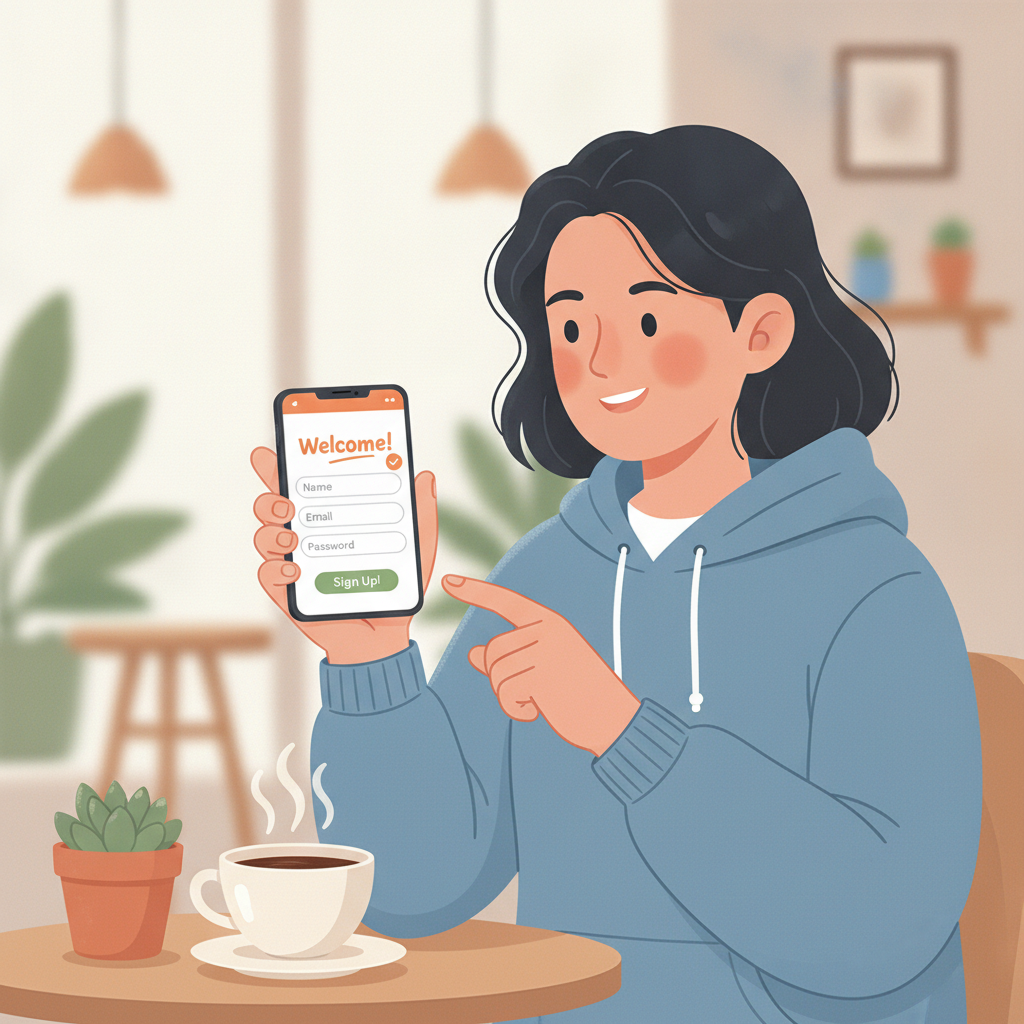
Before you start the Super JD register process, make sure you meet the basic requirements and have the necessary documents ready. Super JD is only available to players who are 21 years old and above. You will need to verify your age and identity during registration.
Here's what you need to prepare:
Valid government-issued ID – Super JD accepts Philippine national IDs, driver's licenses, passports, UMID, SSS IDs, and postal IDs. Your ID must show your full name, date of birth, and photo clearly.
Philippine mobile number – You'll use this to receive a one-time PIN (OTP) during sign-up and for account security. Make sure the number is active and you have access to it.
Active email address – Super JD will send account confirmations and updates to this email. Use an address you check regularly.
GCash, Maya, or bank account – While not required for registration itself, you'll need one of these to make your first deposit after your account is approved. Super JD processes deposits and withdrawals through GCash, Maya, InstaPay, and PESONet.
Most Filipino players complete the Super JD register process on a mobile phone using Android. The platform is designed for mobile-first users, so the sign-up form works smoothly on smaller screens.
Step-by-Step Walkthrough: Filling Out the Registration Form on Mobile
The Super JD registration form is straightforward and takes about five minutes to complete on your phone. Follow these steps:
Step 1: Open the Super JD website
Using your mobile browser (Chrome, Safari, or others), go to the Super JD homepage. Look for the "Register" or "Sign Up" button, usually displayed prominently at the top right corner or in the main banner.
Step 2: Tap the Register button
This opens the registration form. You'll see fields asking for your personal information.
Step 3: Enter your personal details
Fill in the following information exactly as it appears on your valid ID:
- Full name – First name, middle initial, and last name
- Date of birth – Use the date picker or type it in DD/MM/YYYY format
- Gender – Select from the dropdown
- Nationality – Choose "Filipino" or your nationality if different
Make sure every detail matches your government-issued ID. Mismatched information can delay your ID verification later.
Step 4: Provide your contact information
Enter your Philippine mobile number in the correct format (09XX XXX XXXX) and your active email address. Double-check both for typos—these are critical for receiving your verification code and account updates.
Step 5: Create your login credentials
Choose a unique username and a strong password. Your password should include a mix of uppercase and lowercase letters, numbers, and symbols. Write down your login credentials in a safe place or use a password manager.
Step 6: Set your currency
Select PHP (Philippine Peso) as your account currency. This is important—once set, you cannot change it. All your deposits, bets, and withdrawals will be in pesos.
Step 7: Enter the verification code
Super JD will send a one-time PIN (OTP) to your mobile number via SMS. Enter this code in the verification field within the time limit (usually 5 minutes). If you don't receive the code, check that you entered your number correctly and request a new OTP.
Step 8: Accept the terms and conditions
Tick the box to confirm you are 21 years old or above and that you agree to Super JD's terms of service and privacy policy. Take a moment to review these documents if you have questions about account rules or responsible gambling policies.
Step 9: Submit the form
Tap the "Register" or "Create Account" button. If all information is correct, you'll see a confirmation message and be directed to the next step: ID verification.
ID Verification Process and What Documents Super JD Accepts
Super JD requires identity verification to comply with Philippine regulations and to protect players from fraud. This step is mandatory before you can make your first deposit or place any bets.
What documents does Super JD accept?
Super JD accepts the following government-issued IDs for verification:
- Philippine National ID (PhilSys)
- Driver's License
- Passport
- UMID (Unified Multi-Purpose ID)
- SSS ID
- Postal ID
- PRC ID (Professional Regulation Commission)
Your ID must be valid (not expired) and show your full name, date of birth, and a clear photo of your face.
How to submit your ID
After completing the registration form, you'll be prompted to upload a photo or scanned copy of your ID. Here's how to do it on mobile:
- Select "Upload ID" or "Verify Identity" in your account dashboard or profile settings.
- Choose the type of ID you're submitting from the dropdown menu.
- Take a clear photo of your ID using your phone camera, or select an existing photo from your gallery. Make sure all four corners of the ID are visible, the text is readable, and there is no glare or shadow covering important details.
- Upload the front side of your ID. Some IDs (like driver's licenses) may also require you to upload the back side.
- Submit for review. Super JD's verification team will review your document, usually within 24 to 48 hours.
Selfie verification
In some cases, Super JD may ask you to upload a selfie holding your ID next to your face. This extra step helps confirm that the person registering the account is the same person on the ID. Make sure your face and the ID details are both clearly visible in the photo.
What happens after you submit?
You'll receive an email or SMS notification once your ID has been verified. If there's an issue—such as a blurry photo, expired ID, or name mismatch—Super JD will notify you and ask you to resubmit a clearer document or correct the information.
Creating Your Login Credentials and Securing Your Account
Your Super JD login credentials are the keys to your account, so it's important to create them carefully and keep them secure.
Choosing a strong password
When you register, you'll create a password that you'll use every time you log in. Follow these best practices:
- Use at least 8 characters, mixing uppercase and lowercase letters, numbers, and symbols.
- Avoid common words, your name, or your birthday.
- Don't reuse passwords from other websites or apps.
Storing your login details safely
Write down your username and password in a secure place, such as a password manager app or a notebook you keep private. Avoid saving them in your phone's notes app or sharing them over messaging apps like Facebook Messenger or Viber.
Two-factor authentication and account security
While Super JD may not always offer two-factor authentication (2FA) through an app, the platform does use SMS-based OTP verification for sensitive actions like logging in from a new device or requesting a withdrawal. Make sure your registered mobile number stays active and in your control.
Additional security tips
- Log out after each session, especially if you're using a shared device or public Wi-Fi.
- Change your password regularly, at least every three to six months.
- Never share your login credentials with friends, family, or anyone claiming to be from Super JD support. Legitimate support teams will never ask for your password.
- Enable notifications so you receive alerts if someone tries to access your account from an unfamiliar device.
Responsible Gambling Reminder and Next Steps After Approval
Play responsibly
Super JD is intended for entertainment. Only players aged 21 and above are allowed to register and play. Set a budget before you deposit and never bet more than you can afford to lose. If you feel you're spending too much time or money, take a break or use any responsible gambling tools offered by the platform, such as deposit limits or self-exclusion options.
What to do after your account is approved
Once your ID verification is complete and your account is approved, you're ready to make your first deposit and start playing. Here are your next steps:
- Super JD login – Use your username and password to log in on mobile or desktop.
- Make your first deposit – Go to the cashier or deposit section and choose GCash, Maya, InstaPay, or PESONet. The minimum deposit is typically PHP 100, which fits the budget of most Filipino players.
- Explore the platform – Browse the slots and jackpot games, check out the live dealer tables (baccarat, blackjack, roulette), or place a bet on PBA, NBA, or volleyball matches.
- Understand minimum bets – Slots often start at PHP 1 per spin, while live dealer tables may have minimum bets ranging from PHP 50 to PHP 100. Sports betting minimums vary by event.
- Keep your account details up to date – If you change your mobile number or email address, update your Super JD account settings right away to avoid issues with verification or withdrawals later.
The Super JD register process is designed to be quick and mobile-friendly, so you can get started even if you're new to online casinos and sportsbooks. By preparing your documents in advance, filling out the form carefully, and securing your login credentials, you'll have a smooth sign-up experience and be ready to play in pesos from Metro Manila or anywhere in the Philippines.